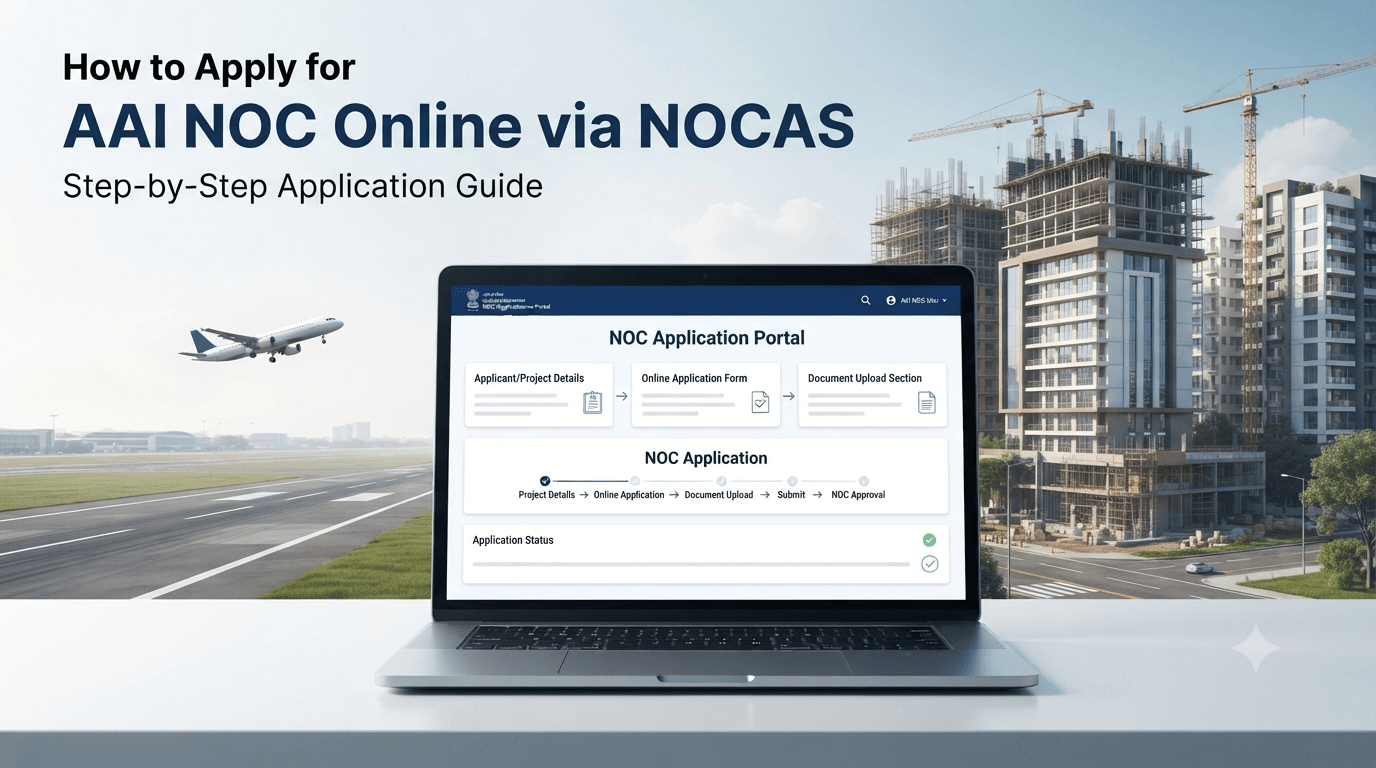
Do you need an Airport NOC for your building, tower, or telecom mast, but you don’t know where to start? You are not alone. Every year, thousands of applicants sit down at the AAI’s NOCAS portal for the first time and get stuck within minutes — wrong coordinate format, missing document, or a structure type they cannot find in the dropdown.
The NOCAS portal application process involves registering on AAI’s NOC Application System, submitting certified GPS and elevation data along with structural documents, and tracking your application online until AAI issues or rejects the NOC. The entire process is paperless, but it still demands precision, since a single coordinate error can trigger weeks of delay.
This guide walks you through the complete NOCAS portal application process, step by step, so you can file your Airport NOC application correctly the first time.
What is the NOCAS Portal?
The NOC Application System (NOCAS) is AAI’s official online platform for filing height clearance applications for buildings, masts, chimneys, transmission lines, and other structures near civil airports. AAI made it operational in April 2011, and it now handles nearly all civil aerodrome NOC applications in India. You can access it directly at nocas.aai.aero, or through the “Apply/Track” link on the AAI website.
Before you dive into the process, it helps to understand why this system exists in the first place. Our guide on GSR 751(E) and airport NOC rules covers the legal framework behind it, and our explainer on AAI NOC vs DGCA clearance clarifies exactly which authority you’re dealing with.
Step 1: Confirm Whether You Actually Need an NOC
Not every structure requires NOCAS filing. Before you register, check two things: your distance from the nearest airport’s Aerodrome Reference Point (ARP), and your proposed structure height.
If your site sits beyond 20 km from a VFR airport, or beyond 56 km from an IFR airport, and your structure height stays at or below 150 metres above ground level, AAI generally does not require an NOC. In that case, the NOCAS system auto-settles your case and issues a system-generated letter confirming this. However, always verify this through an airport NOC feasibility check rather than assuming it on your own, since airport influence zones can overlap in dense urban areas.
Step 2: Gather Your Site Coordinates and Elevation Data
This step matters more than any other in the entire process. NOCAS requires precise GPS coordinates in WGS-84 format and site elevation in AMSL (Above Mean Sea Level), for every corner of your plot.
You can source this data from the Survey of India, or from a government-approved agency such as CPWD, State PWD, or a certified private survey provider. Whichever source you choose, the certificate must follow NOCAS’s standard format. Since AAI calculates your Permissible Top Elevation directly from this data, even a small error here shifts your entire application outcome. This is exactly why we recommend a certified site elevation survey before you file, rather than after a rejection.
Step 3: Register on the NOCAS Portal
[IMAGE SUGGESTION 2: Simple flat-design illustration of a registration form with a checkmark, email icon, and ID card icon. Alt text: “NOCAS portal registration process for AAI NOC application”]
Once your data is ready, visit nocas2.aai.aero and click the registration link. Here’s what to keep ready:
- A valid email ID, which becomes your NOCAS user ID
- A mobile number for OTP verification and status updates
- A photo ID — you can upload your Voter ID, Aadhaar, PAN card, or Passport
- Your communication address
After you submit these details, AAI sends an activation link to your registered email. Click it, and your account becomes active. From here, you can log in and access your personal dashboard.
Browser tip: the NOCAS portal works best on Chrome 40 and above, Firefox 36 and above, or Internet Explorer 11 and above. If pages don’t load correctly, clear your browser cache and make sure pop-ups are enabled before you try again.
Step 4: Log In and Start Your Application
After logging in, you land on your NOCAS dashboard. Look for the “Apply NOC” link, and click it to start a new application. At this stage, you need to select your structure type from a dropdown list, which includes categories such as:
- Building or residential/commercial structure
- Mast or tower
- Chimney
- Transmission line
- SACFA Wireless Communication Mast
Each category triggers a slightly different document checklist, so choose carefully. If you’re applying for a telecom mast under SACFA, note that AAI’s system pulls your geo-data automatically from the SACFA server, so you may not need to submit elevation certificates separately for that category.
Step 5: Fill in the Application Form Correctly
This is where most delays happen. Fill in every field exactly as it appears on your supporting documents:
- Site coordinates (WGS-84)
- Site elevation (AMSL)
- Proposed structure height
- Plot number, survey number, or CTS number as applicable
- Owner or applicant details, matching your uploaded photo ID
Double-check every number before you submit. NOCAS runs automated validation checks, but these only catch formatting errors, not data accuracy. If your coordinates don’t match your actual plot, AAI’s technical review will flag it later, and that costs you far more time than getting it right now.
Documents You’ll Need to Upload
- AMSL site elevation certificate, signed by a licensed surveyor or authorised agency
- WGS-84 GPS coordinate certificate
- Site plan and structural drawings
- Land ownership proof or lease deed
- Authorization letter, if you’re not the property owner
- Photo ID for verification
Since NOCAS is a paperless system, you upload scanned copies of these documents directly. You do not need to courier or hand-deliver anything to AAI’s regional office in most cases.
Step 6: Pay the Applicable Fee
NOCAS charges a processing fee based on your structure type and proposed height. You can pay this online through the portal itself. Keep your payment confirmation, since you may need to reference it if you follow up on your application later.
Step 7: Submit and Track Your Application
Once you submit your application, NOCAS generates a unique NOC-ID. Save this ID; it’s how you track your application status going forward. Log in to your dashboard anytime to check where your application stands — under review, pending query response, approved, or rejected.
If AAI’s technical team needs clarification, they raise a query directly on your dashboard. Respond promptly, since unanswered queries stall your application indefinitely. Most applications clear within 30 to 60 days, provided your initial data was accurate and complete.
Step 8: Receive Your NOC — or File an Appeal
If AAI approves your application, you can download your NOC directly from the portal. It specifies your Permissible Top Elevation, based on your site’s exact location relative to the airport’s Obstacle Limitation Surface. Interestingly, anyone, including municipal bodies and the general public, can view an issued NOC on the NOCAS website without logging in, which helps with due diligence during property transactions.
If AAI rejects your application, or if the approved height falls short of your design requirements, you can file an appeal with AAI’s Appellate Committee. This involves a separate appeal fee, and AAI processes offline appeal payments only through NEFT or RTGS, not by cheque or demand draft.
Special Case: Delhi and Mumbai Applicants
If your project sits in Delhi or Mumbai, you don’t file directly through NOCAS2 for building height NOC. Instead, you apply through the Common Application Form (CAF), developed jointly by MCGM, MCD, and NDMC as part of a single-window system. NOCAS2 automatically fetches your data from the CAF, processes it, and sends the result back to these municipal bodies. This means your municipal building approval and your AAI NOC move through one linked system rather than two separate ones. If your project falls in Delhi NCR, keep this distinction in mind before you start.
Common Mistakes That Delay NOCAS Applications
- Submitting coordinates in the wrong format. NOCAS requires WGS-84 specifically. Coordinates in any other datum get flagged during review.
- Uploading elevation certificates from unauthorised sources. Only certificates from Survey of India, CPWD, State PWD, or an approved agency meet NOCAS’s standards.
- Ignoring portal queries. An unanswered query simply freezes your application; it does not get rejected automatically, but it also doesn’t move forward.
- Registering with a low-priority email address. Since your email becomes your permanent user ID, use one you check regularly, not a rarely-used inbox.
- Assuming approval before starting construction. No construction work should begin before AAI formally issues the NOC, regardless of how confident you feel about your application.
How Surveying India Simplifies the NOCAS Process
Filing through NOCAS correctly the first time comes down to one thing: accurate survey data. Our team handles the entire Airport NOC application process end to end — from RTK-GNSS coordinate capture accurate to within ±5 cm, to AMSL elevation certification, complete NOCAS registration, documentation, and query response support. We also maintain full NOCAS documentation checklists tailored to your structure type, so nothing gets missed at submission.
Frequently Asked Questions
What is the NOCAS portal used for? NOCAS is AAI’s official online system for filing and tracking Airport NOC applications for buildings, towers, chimneys, transmission lines, and other structures near civil airports.
How do I register on the NOCAS portal? Visit nocas2.aai.aero, click the registration link, and provide your email, mobile number, address, and a photo ID such as Aadhaar, PAN, Voter ID, or Passport. Your email becomes your NOCAS user ID.
What documents do I need for a NOCAS application? You need a WGS-84 GPS coordinate certificate, an AMSL site elevation certificate, structural drawings, site plan, ownership proof, and a photo ID.
How long does NOCAS take to process an application? Most applications clear within 30 to 60 days, provided the submitted data is accurate and any portal queries are answered promptly.
Is the NOCAS application process free? No. NOCAS charges a processing fee based on structure type and height, payable online through the portal.
What happens if my NOC application gets rejected? You can file an appeal with AAI’s Appellate Committee, along with the prescribed appeal fee, if you’re not satisfied with the outcome.
Do Delhi and Mumbai applicants use NOCAS directly? No. Applicants in Delhi and Mumbai file through the Common Application Form (CAF) via MCGM, MCD, or NDMC, which is integrated with NOCAS2 in the backend.
Can I check the status of my NOCAS application online? Yes. Once you submit your application, you receive a unique NOC-ID, which you can use to track your application status anytime through your dashboard.
Can the public view an issued AAI NOC? Yes. Anyone, including municipal bodies, can view an issued NOC on the NOCAS website without logging in.
Want to skip the trial and error? Get in touch with our team — we’ll handle your entire NOCAS application, from survey data to final NOC, so you don’t lose time to avoidable rejections.